 Kill Orbit
Download Kill Orbit
Kill Orbit is live as a free public beta. We’re building in public. Sign in with email or a Solana wallet to download the current Windows build.
One game. One current build. This download includes all eight story chapters and online multiplayer. Every download button provides this same build; updates replace it here.
Version 10.27.2026. Multiplayer requires this exact release: older versions must update before joining a server. Your selected operative appears seated while driving, traffic cars have civilian drivers, and passengers ride along until the vehicle stops. Enterable buildings can have residents, traders and upstairs rooms. The mission-start, community, vehicle handling, aircraft combat and lighting improvements are included. Existing campaign saves remain compatible.
Sign in to download
Use an email code. Signing in by email creates a Solana wallet for you automatically. You can also sign in with, or link, your own Solana wallet such as Phantom. The same account links your game, and it holds your profile and your place on the leaderboard.
Sign in to downloadFree beta. By downloading you agree to the beta terms.
Verify your download
SHA-256 for the current KillOrbit-Windows.zip:
f4e37e8d8e8224f0595d3c2f406ac514364d8a69467f7b809fa642d29dfe4a68Requirements
What the beta build needs. Detailed minimum specs have not been published yet.
- System
- A Windows 10 or 11 PC, 64-bit
- Graphics
- A DirectX 12 graphics card (a DirectX 11 fallback is included)
- Download
- 15.2 GB, one zip file
- Disk space
- At least 20 GB for the extracted game, plus room for the zip while you extract it. Delete the zip afterwards to get that space back.
- Online
- An internet connection. Public beta arenas accept guests. Link an account for your profile, leaderboard and cloud saves.
- Content
- Contains shooter violence and online play with other people.
From the beta
Captured in engine from the beta build.
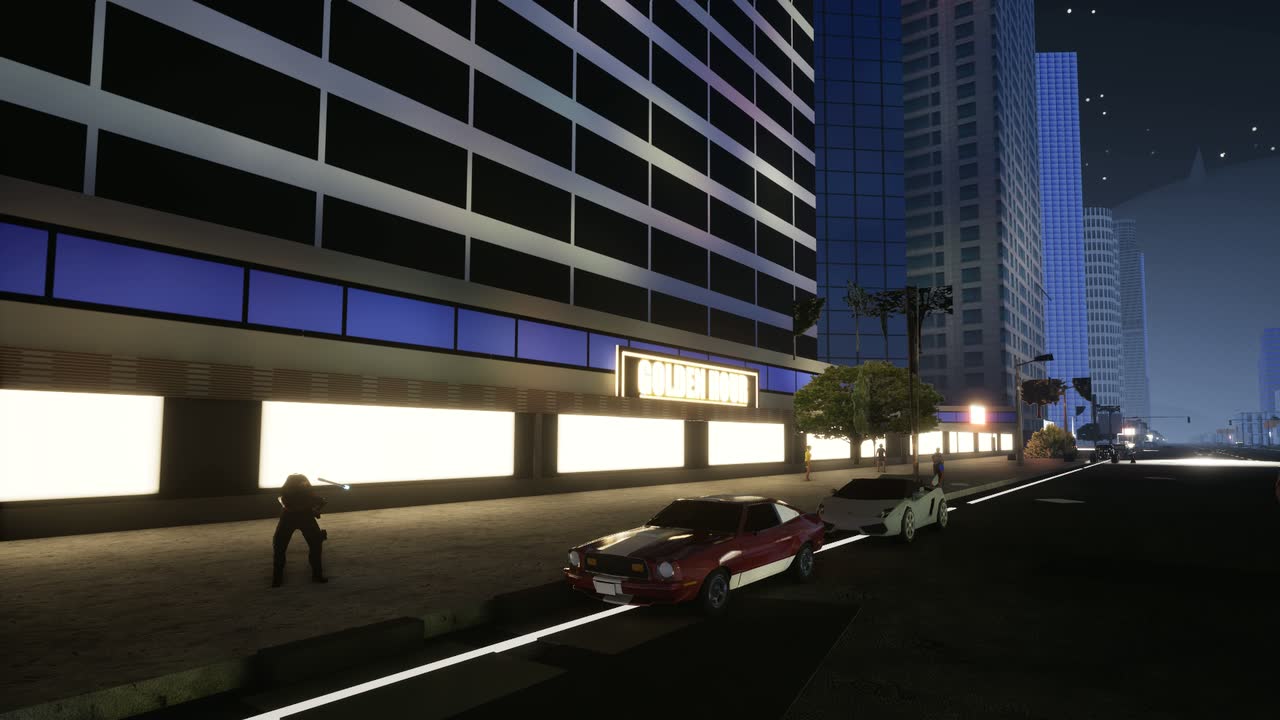
Las Vegas 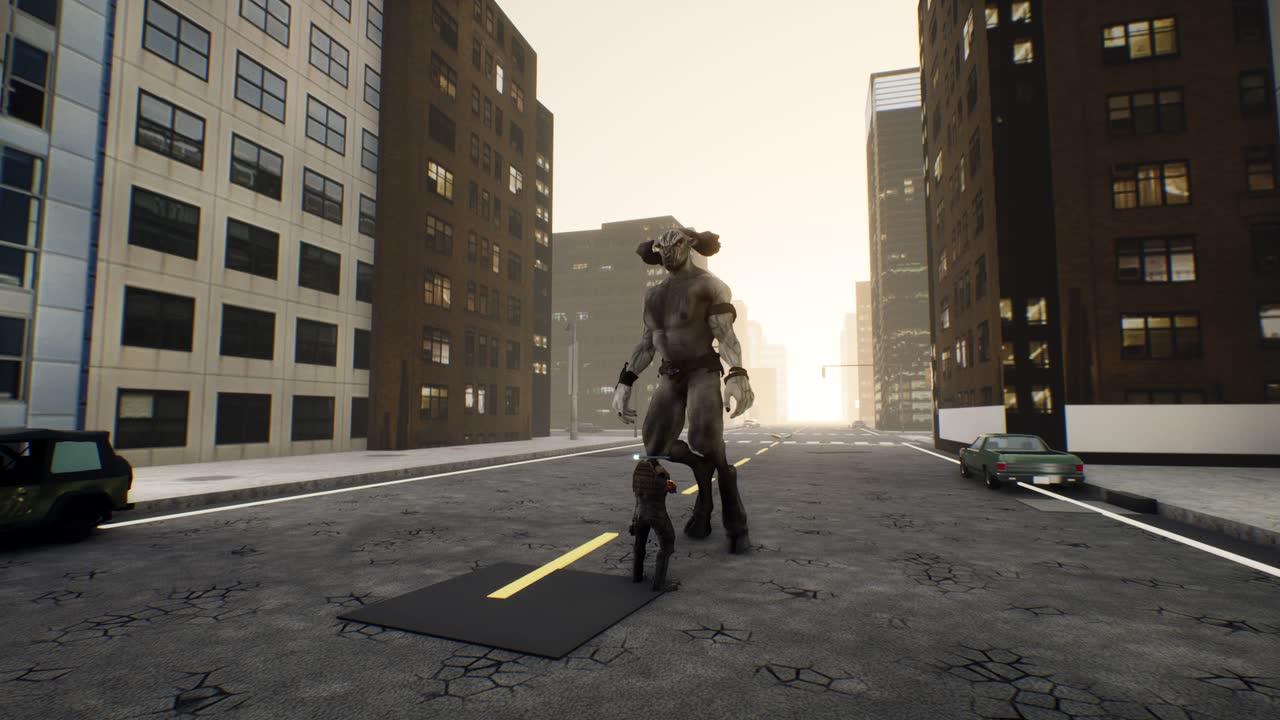
Paris 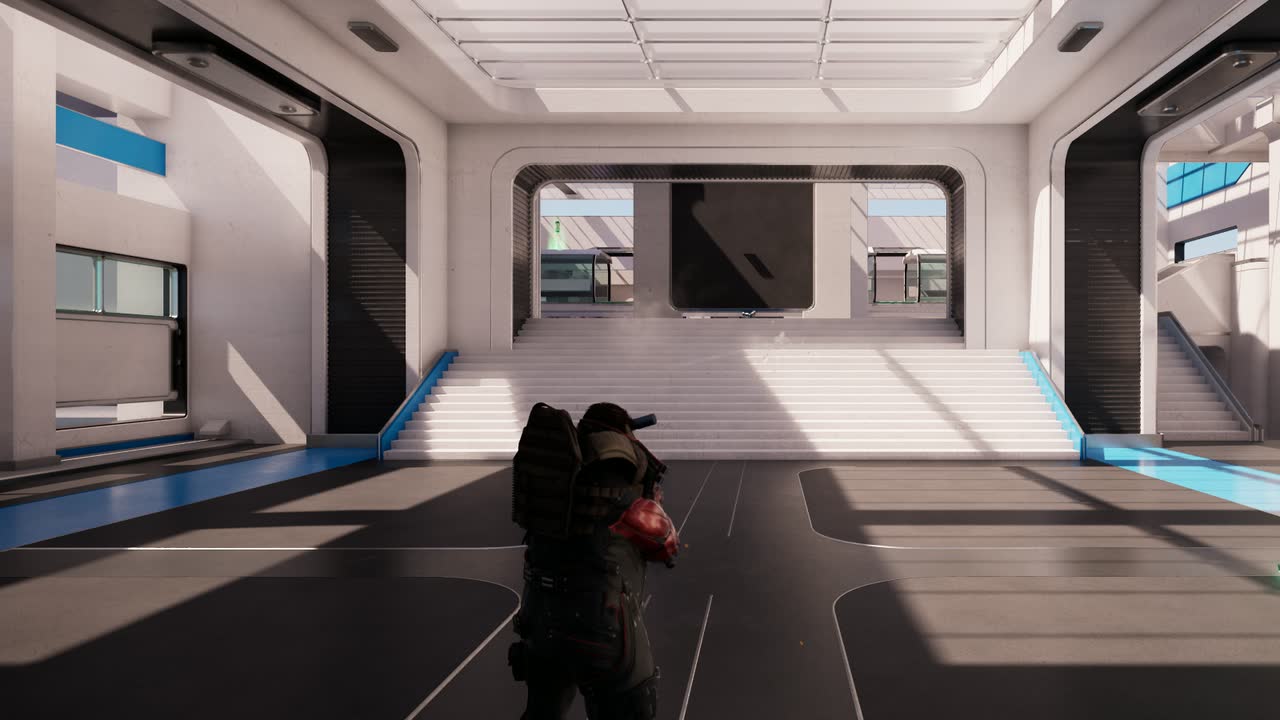
The Station


Find your next route
People, keys and clues
Follow the contact marker and press E to talk. Accept the key when offered; it opens a later door or route. Quest keys do not use your carry allowance.
Press F2 for your current mission and advice from people you have met. Use left/right for entries and Page Up/Down for longer text. Reading pauses the offline game.
In dialogue, use 1–4 or up/down and Enter. On a controller, use the D-pad and A; B closes, and LB/RB turns text pages.
Prepare for the boss
Equip launchers from your pack with I. Watch for explosive supplies as the chapter progresses. Rockets fly straight; grenade launcher rounds arc, so aim above distant targets. Press Z to throw a frag grenade you own; its fuse lasts three seconds.
Press G to board or exit a vehicle. Brake before reversing. While stopped on the ground, F spends five salvage to restore 35% hull. A wreck cannot be repaired.
On a controller, Y interacts, LB throws an owned frag and pressing the right stick boards or exits. Drive with the left stick and triggers; X brakes, A is the handbrake, and D-pad down repairs. In aircraft, X climbs and A descends. Above the travel ceiling, select a destination with the D-pad and press Y to set course. Descend below the ceiling to cancel.
Install
Download KillOrbit-Windows.zip (15.2 GB) on your Windows PC.
Right-click KillOrbit-Windows.zip and choose Extract All, or use 7-Zip. It is 15.2 GB, so extracting takes a few minutes. Pick a drive with at least 20 GB free.
Open the KillOrbit-Demo folder (Extract All puts it inside a KillOrbit-Windows folder) and run the KillOrbit.exe at the top of that folder, not the one under
KillOrbit\Binaries. If Windows SmartScreen says it does not recognise the app, choose More info, then Run anyway.The first time, the game may ask to install the Microsoft Visual C++ runtime or Microsoft GameInput. Choose Yes and allow the Windows prompt; both installers come with the game.
Updating to a new build
- Extract the new zip over your old copy, to the same place as before, and let it replace the files. The folder is always called KillOrbit-Demo, so it lands on top of the old one, and your campaign save stays where it is.
- Or extract it to a new folder, then copy
KillOrbit-Demo\KillOrbit\Savedfrom your old copy into the new KillOrbit-Demo folder before you play. That folder holds your campaign save and settings. - Every multiplayer server requires the exact current release. Older or different versions receive an update message and cannot enter a match. Download the latest version here to keep playing online.
Your campaign save
Your local save lives in KillOrbit-Demo\KillOrbit\Saved. Link the game with L to sync campaign progress to your account. On another PC, sign in to restore it. If the local and cloud copies differ, choose which to keep; the game backs up the copy it replaces. Keep your local save when updating.
Link your game
Linking signs the game in as your Kill Orbit account, so your matches count on the leaderboard and your profile. The campaign also plays offline.
In the game, press L. The sign-in panel shows an eight-character code.
On any phone or computer, open killorbit.com/link and enter the code.
Sign in with the same account you use on this site. The game picks up the link by itself within a few seconds.
A linked game stays signed in for 30 days. Your website session lasts 7 days.
Stuck?
Most answers are in the FAQ. For anything else, ask in the Kill Orbit Telegram. The beta terms say what a beta means for your save and your stats.